Free Little Snitch Alternatives for Mac (2026)
Looking for a free Little Snitch alternative? Compare LuLu, Little Snitch Mini, built-in macOS tools, and TinyShield's free version, with pros and cons.
Little Snitch is a great Mac firewall, but it is paid software. If you only want to see what your apps are doing and block a few of them, you may not want to buy a full license on day one.
So you search for "Little Snitch free alternative". This guide lists the free options that actually work on a modern Mac, and what you give up with each one.
In this guide, you will learn:
- What you can do for free with Little Snitch itself
- The best free alternatives: LuLu, Little Snitch Mini, and built-in macOS tools
- What TinyShield's free version includes
- How to choose the right one for you
First: what do you actually need?
Before you pick a tool, decide which job matters most:
- Monitor only: "I just want to see which apps connect, and where."
- Block a few apps: "I want to stop one or two apps from going online."
- Ask before connecting: "I want an alert every time a new app tries to connect."
- Block everything by default: "Nothing should connect unless I allow it."
Free tools are good at the first two. The last two usually need a full firewall.
1. Little Snitch demo mode
Before looking elsewhere, know that Little Snitch has a demo. According to Objective Development, it gives the same protection as the full version, runs for three hours, and can be restarted as often as you like.
- ✅ Full Little Snitch features
- ✅ Good for testing before you buy
- ❌ Stops after three hours, so you must restart it
- ❌ Not a long-term free solution
2. Little Snitch Mini
Little Snitch Mini is a simpler version from the same company, available on the Mac App Store.
- ✅ Free network monitoring with a live connection list
- ✅ Animated map and traffic charts
- ✅ Easy to install from the App Store
- ❌ Blocking connections requires an in-app purchase
- ❌ Extended history and advanced filters are also paid
Choose it if you mostly want to watch your traffic for free.
3. LuLu
LuLu from Objective-See is the most popular free Little Snitch alternative.
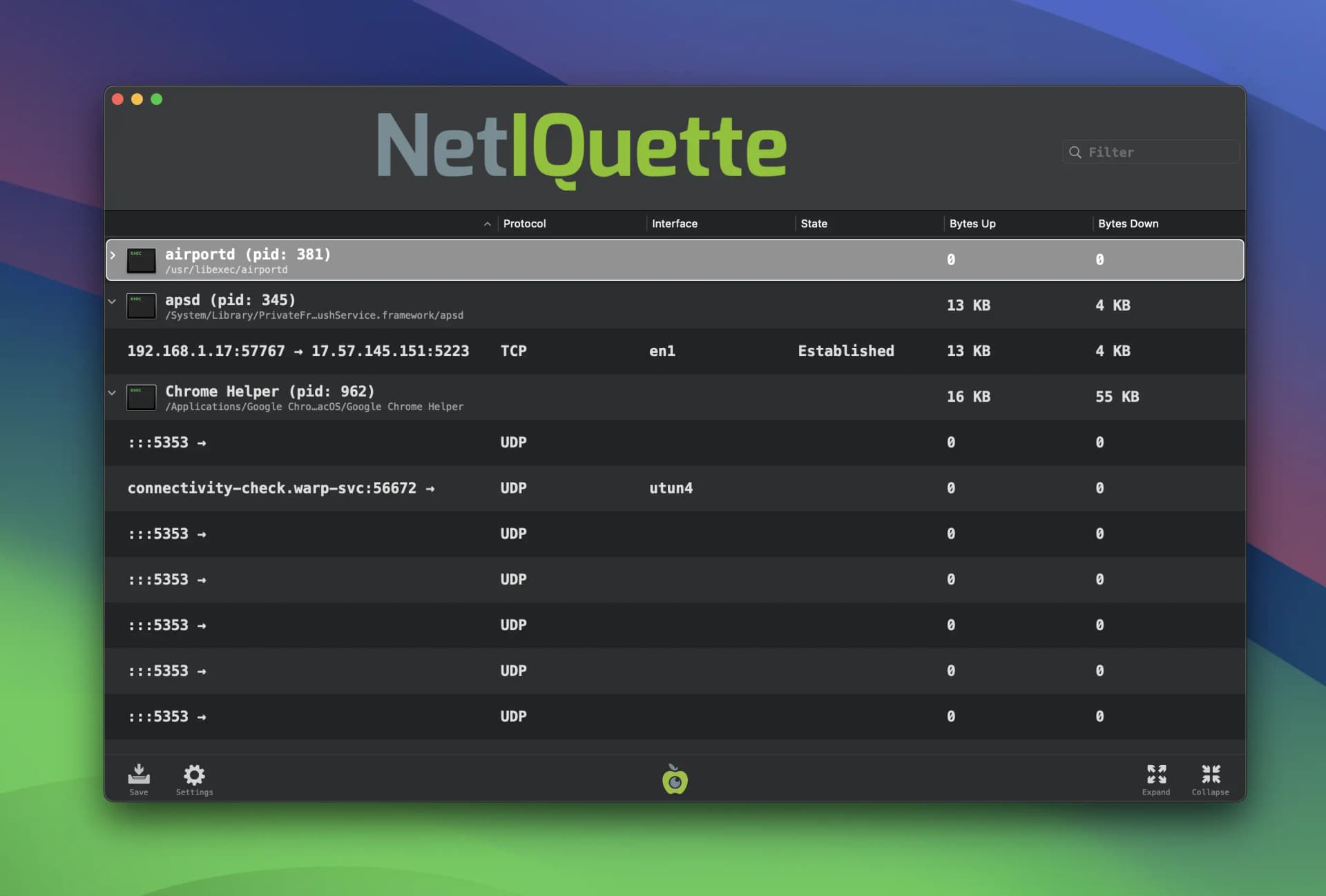
- ✅ Free and open source
- ✅ Alerts for new outgoing connections
- ✅ Rules for an app or a single endpoint
- ✅ Block and allow lists, passive mode, and profiles
- ❌ Outgoing traffic only
- ❌ Hostname blocking works only for some network APIs; Chrome, for example, can only be blocked by IP address
- ❌ More technical interface, with fewer monitoring views than Little Snitch
Choose it if you want free alerts and blocking and do not mind a simpler interface.
4. Built-in macOS tools
Your Mac already includes a few tools. They are free, but limited:
- macOS Firewall (System Settings → Network → Firewall): blocks incoming connections only. It cannot stop an app from sending data out.
- Activity Monitor → Network tab: shows how much data each process sends and receives, but not where it goes.
- Terminal (
lsof -i,nettop): lists live connections, mostly as IP addresses. /etc/hostsfile: blocks a domain for every app, with no wildcards and no per-app rules.
These are fine for a quick check. For step-by-step guides, read how to see which apps are using the internet on Mac and how to block an app from accessing the internet.
5. TinyShield free version
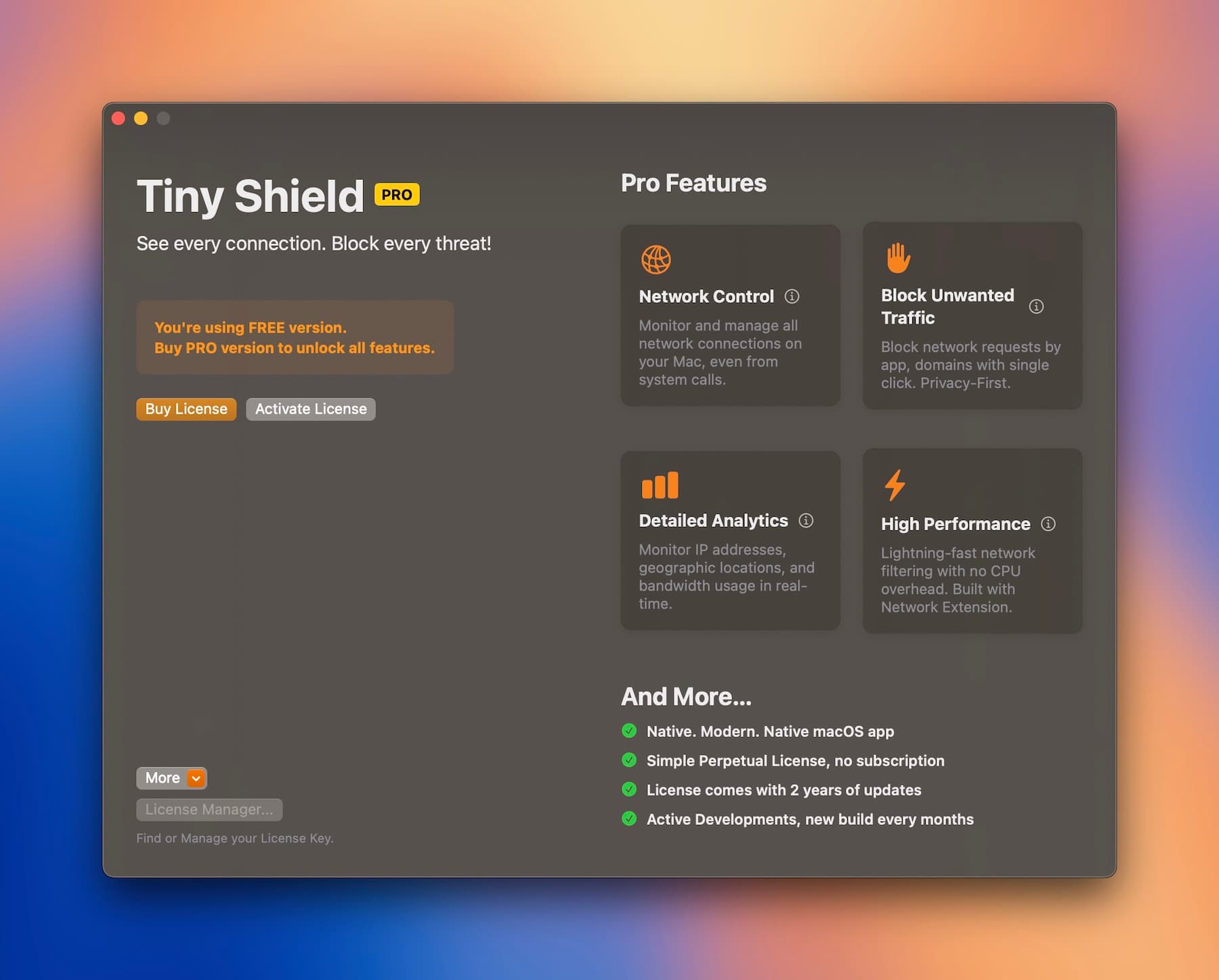
TinyShield is a native Mac app for monitoring and blocking network connections. You can download it and use the free version before you decide to buy anything.
What you can do for free:
- ✅ Monitor every connection, grouped by app and macOS service
- ✅ See hostnames, IP addresses, ports, and status for each app
- ✅ Use the GeoIP map to see where traffic goes
- ✅ Use Allow All mode with Block List rules
- ✅ Block apps and domains with a right-click to try the workflow
What TinyShield PRO adds:
- ⭐ Unlimited block rules
- ⭐ Require Approval: new apps wait until you allow or block them
- ⭐ Block All: a default-deny mode with an Allow List
When you are ready, PRO is a one-time purchase, not a subscription. Standard and Combo include two years of updates and keep working after that. The Lifetime Deal includes lifetime updates. See current prices on the pricing page.
Comparison table
| Price to block | Monitor | Block apps | Ask before connect | Native UI | |
|---|---|---|---|---|---|
| Little Snitch demo | Paid after demo | ✅ | ✅ | ✅ | ✅ |
| Little Snitch Mini | In-app purchase | ✅ Free | Paid | — | ✅ |
| LuLu | Free | ✅ | ✅ | ✅ | Basic |
| macOS built-in | Free | Partial | ❌ | ❌ | ✅ |
| TinyShield | Free to try, one-time PRO | ✅ Free | ✅ | ✅ PRO | ✅ |
Which one should you choose?
- Free forever with alerts? Use LuLu.
- Free monitoring with nice charts? Try Little Snitch Mini.
- Testing Little Snitch before buying? Use its demo mode.
- Clear monitoring and simple blocking, with a fair one-time upgrade? Try TinyShield.
A note on cracked software
You may see "Little Snitch free download" sites offering cracked copies. Avoid them. A firewall runs with deep access to your network traffic. A modified installer is exactly the kind of software a firewall should protect you from. Use the official demo or a legitimate free tool instead.
Conclusion
There is no perfect free copy of Little Snitch, but you have good options:
- LuLu for free, open-source blocking
- Little Snitch Mini for free monitoring
- TinyShield for a clean monitor-and-block workflow you can try for free
Want a deeper comparison? Read Little Snitch vs LuLu or TinyShield vs Little Snitch.
Download TinyShield for free and see what your Mac is connecting to.
Ready to Protect Your Mac?
Experience the power of TinyShield's network monitoring and protection. Keep your Mac safe from threats while maintaining optimal performance.
Download TinyShield