IP 대신 도메인 표시
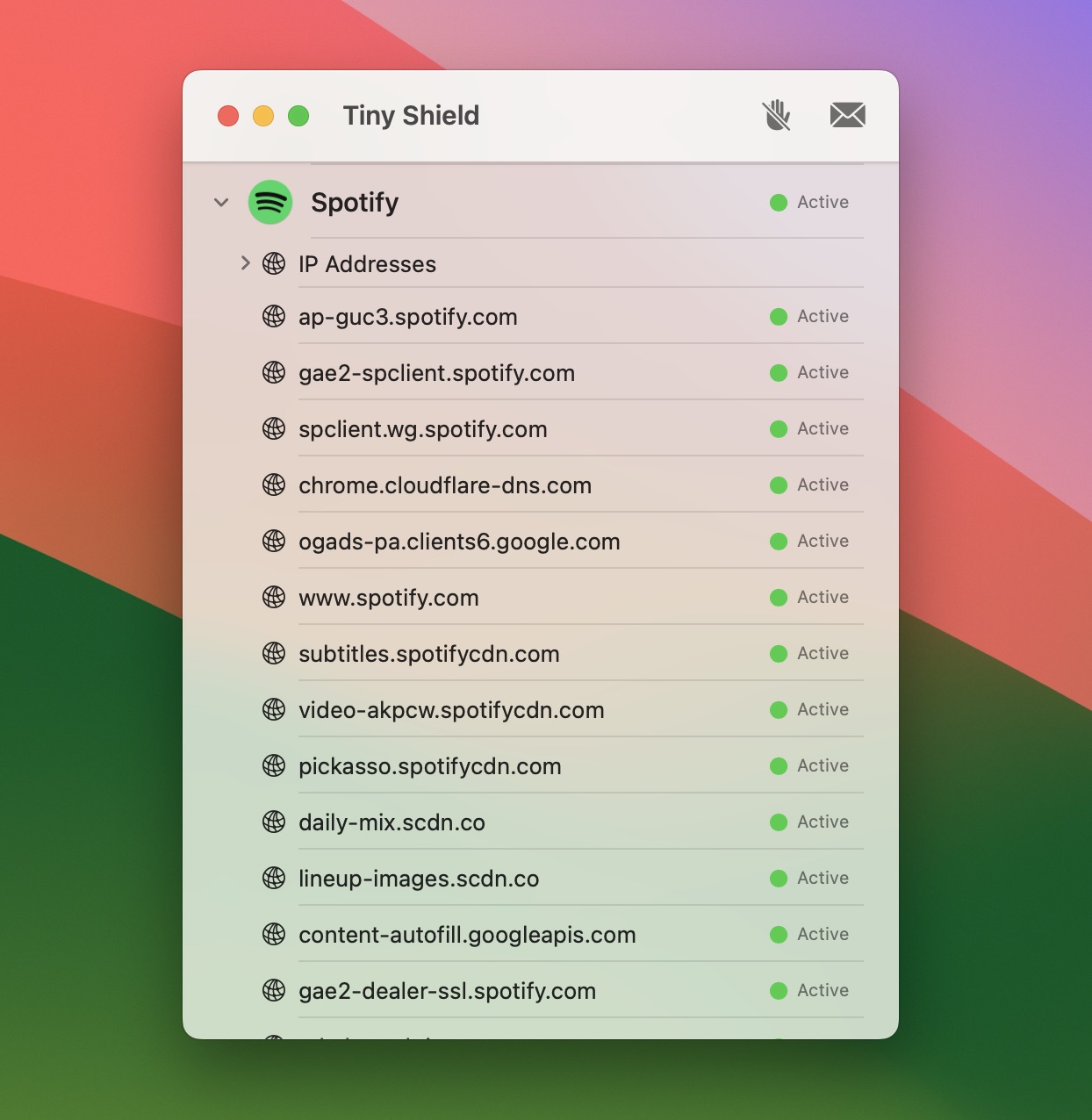
알아보기 어려운 IP 주소 대신 명확한 도메인 이름을 보여 줍니다.
TinyShield는 어떤 앱이 인터넷에 연결하는지 보여 줍니다. 새로운 연결을 검토하고, 신뢰하는 앱은 허용하고, 원치 않는 앱이나 도메인은 차단하세요.
macOS 15 이상 지원
"Love @proxyman_app - hope we see TinyShield on @Setapp"

Tiny Shield는 Mac이 연결하는 모든 대상을 지켜보며, 모든 인터넷 활동을 한곳에서 확인할 수 있게 해 줍니다.
알아보기 어려운 IP 주소 대신 명확한 도메인 이름을 보여 줍니다.
암호화된 DNS를 사용하더라도 Chrome과 Firefox의 호스트 이름을 확인할 수 있습니다.
Tiny Shield는 네트워크 목적지를 세계 지도에 표시하므로 앱과 서비스가 어디에 연결하는지 한눈에 볼 수 있습니다.
IP 주소를 읽지 않아도 연결이 어디로 향하는지 알 수 있습니다.
예상치 못한 곳으로 향하는 연결을 빠르게 알아챌 수 있습니다.
앱과 목적지 세부 정보를 지도와 함께 살펴볼 수 있습니다.
앱, 도메인, IP 주소 옆의 스파크라인을 클릭하면 주고받은 데이터 양, 사용량이 가장 많았던 시점, 데이터가 전송된 곳을 확인할 수 있습니다.
최근 1분간의 트래픽으로 데이터를 많이 쓰는 앱과 목적지를 한눈에 파악합니다
앱별 업로드, 다운로드, 실시간 속도, 최대 사용량을 확인합니다
지난 사용량을 기간별로 거슬러 올라가며 무엇이 데이터를 썼는지 찾아냅니다
각 앱이 가장 많은 데이터를 보내는 도메인과 IP 주소를 확인합니다
설정을 뒤질 필요 없이 Block Mode, Allow All, Block All, Require Approval 간에 바로 전환할 수 있습니다.
Tiny Shield가 연결을 제어하며 트래픽이 발생할 때마다 차단 규칙을 적용합니다.
문제를 깔끔하게 진단해야 할 때 모든 연결을 일시적으로 허용합니다.
Mac에 더 엄격한 네트워크 보안이 필요할 때 모든 트래픽을 즉시 차단합니다.
새 앱의 연결을 허용하거나 차단할 때까지 일시 정지합니다. Tiny Shield가 선택을 기억합니다.
Mac에서 특정 웹사이트로 향하는 원치 않는 트래픽을 차단하거나, 앱 전체의 인터넷 접근을 막을 수 있습니다.
특정 웹사이트와 도메인에 대한 접근을 정밀하게 차단합니다
시스템 수준에서 앱의 인터넷 접근을 완전히 차단합니다
Tiny Shield는 처음 보는 앱의 연결을 일시 정지합니다. 어떤 앱이 어디에 연결하려 하는지 확인한 다음, 연결이 진행되기 전에 허용하거나 차단하세요.
앱, 코드 서명, 도메인, IP, 국가, 포트, 요청 횟수를 검토할 수 있습니다.
앱을 허용하거나 차단하세요. Tiny Shield가 선택을 기억해 다음 연결부터 그대로 적용합니다.
앱을 하나씩 처리하거나, 대기 중인 모든 앱을 한 번에 허용 또는 차단할 수 있습니다.
Tiny Shield는 네트워크 트래픽을 쉽게 이해하고 제어할 수 있는 기능을 갖춘, 가장 개발자 친화적인 네트워크 모니터링 도구를 목표로 설계되었습니다.
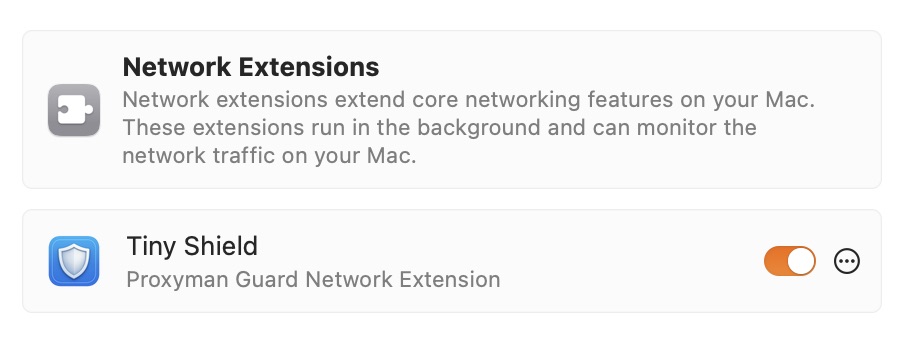
Tiny Shield는 시스템 확장 프로그램을 사용해 성능 저하 없이 Mac의 모든 트래픽을 모니터링합니다.
Tiny Shield는 IP 주소 대신 호스트 이름을 보여 주므로 어떤 웹사이트인지 쉽게 알 수 있습니다. IP 주소만 보여 주는 것보다 훨씬 알아보기 쉽습니다.
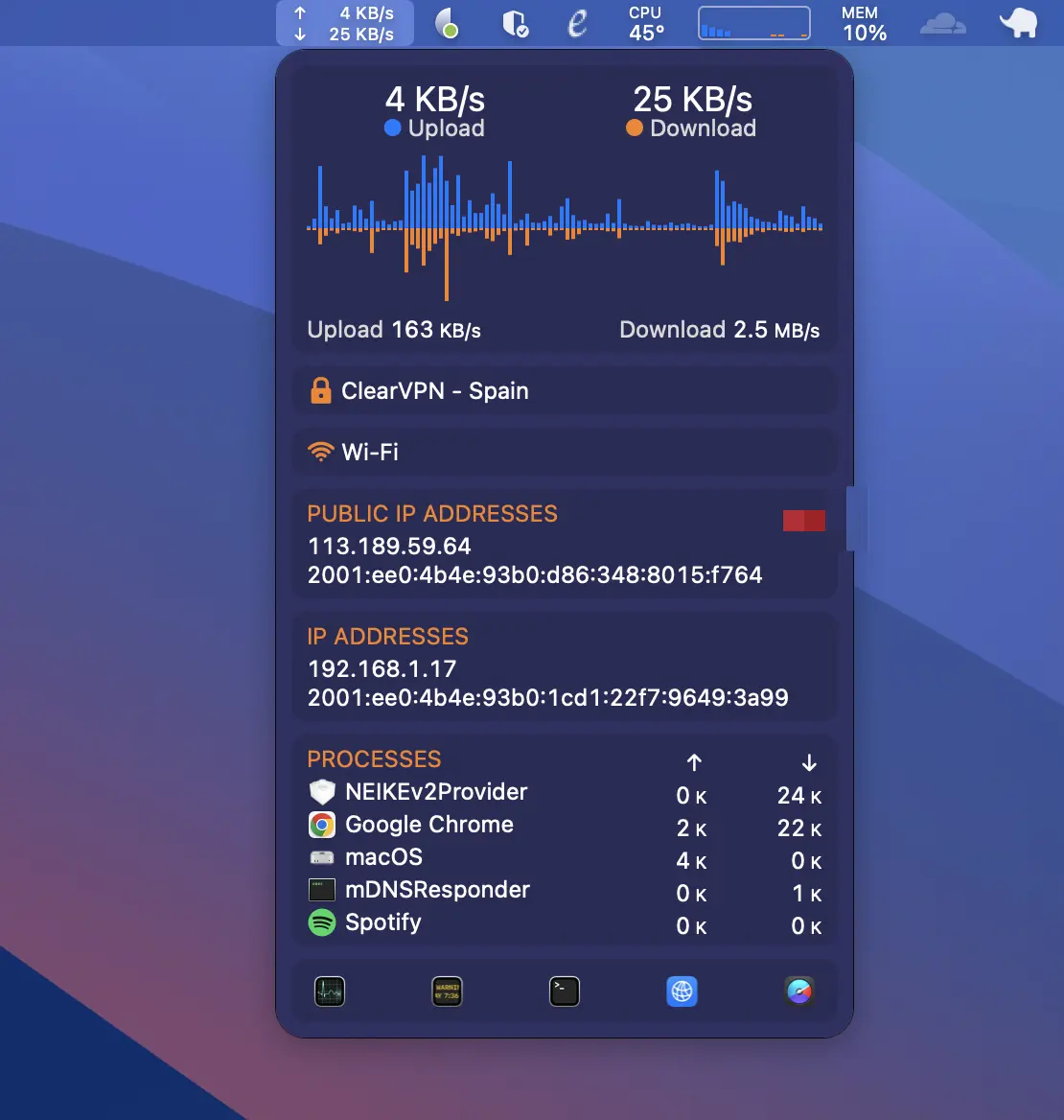
Tiny Shield는 Mac에서 보내고 받는 트래픽을 차트로 보여 주므로 무슨 일이 일어나고 있는지 바로 알 수 있습니다.
Tiny Shield는 구독이나 숨은 비용이 없는 일회성 구매이며, 업데이트를 평생 받고 싶은 분을 위한 Lifetime Deal도 있습니다.
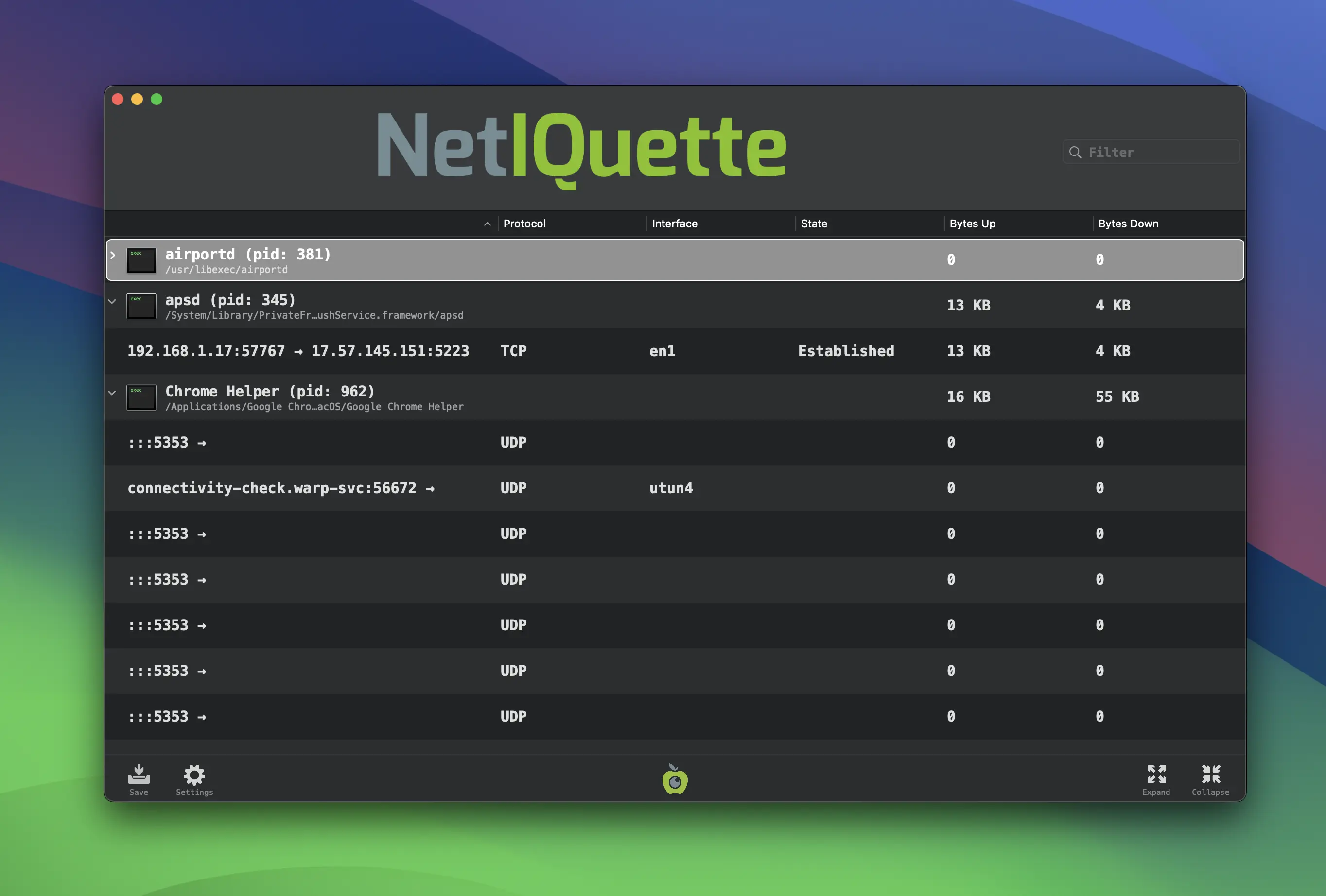
TinyShield를 다른 인기 Mac 네트워크 모니터링 도구와 비교해 보세요.
각 제품의 최신 문서를 바탕으로 사용 방식을 비교해 보세요: LuLu · Radio Silence · Little Snitch Mini
오픈 소스 macOS 방화벽
Mac용 네트워크 모니터
간소화된 네트워크 모니터
개발자와 전문가들이 소셜 미디어에서 Tiny Shield에 대해 어떻게 이야기하는지 확인해 보세요.

@yar1vn
Post a link here. I'll buy today.

@mrterrycarson
Great update! Loving the direction you're taking with TinyShield. Can't wait to see the filters and date range features in action soon!

@fer_chvs
when we will be able to use? i NEED this

@panggi
Bought it today! Really looking forward to the traffic chart. One question: why compare with Little Snitch Mini but not full Little Snitch? I use LS on my own Mac, and trying TinyShield on my work laptop alongside LuLu.

@realTannerMeade
Just now discovering Proxyman as well. I think I saw it before when looking for a better traffic monitor but the cost deterred me and while I'd use it in app development I don't have a big need for it. The simplicity, lower cost, & network monitoring make TinyShield interesting
@davidteren
Love @proxyman_app - hope we see TinyShield on @Setapp

r/macapps
Took advantage of the early bird. Thanks!
r/macapps
I will say, I love proxyman. It's a great app that does exactly what I want. I went ahead and purchased a combo license due to the trust you've built with your previous app. I'm sure with updates, this app will flourish and it'll be great once it's on setapp.
r/macapps
Just bought it. Kind of like the 'easiness' BUT the icon and the things you can do with the menunbar kind of suck and... i cant figure out how to move it out of the dock? menubar should be enough. right?
r/macapps
Purchased a few minutes ago hoping you change your stance on the two years or at least a really good renewal rate for early adopters I get it things need to be updated people need to get paid but if we show you love early you show us love early lol
r/macapps
Just bought it. Love the way you managed to publicise the tool on Reddit. I think it's the best platform to get honest feedback and a lifetime of backers by your side. Keep up the good work.
r/macapps
Where do I actually pay for it? I found where to download it but I'm camping and only have a phone for a few more days. Don't want to miss the early pricing
r/macapps
I bought your app back in the early stages too. I have sent you an email. Thanks
Proxyman 팀
Proxyman과 TCP Viewer를 만든 팀이 개발한 네이티브 Mac 방화벽입니다.
6년 이상
Proxyman 팀은 6년 넘게 사람들이 네트워크 트래픽을 이해하고 제어할 수 있도록 도와 왔습니다.
800,000+
전 세계 개발자들이 TinyShield와 같은 팀이 만든 Proxyman을 사용하고 있습니다.
내 Mac에만
TinyShield는 Mac의 연결을 모니터링하며, 수집된 네트워크 데이터는 Mac 밖으로 나가지 않습니다.
네이티브
macOS 15 이상을 실행하는 Apple 실리콘 및 Intel 기반 Mac에 맞춰 개발되었습니다.
3
Proxyman, TinyShield, TCP Viewer는 모두 같은 팀이 만듭니다.